 Elegant
Adobe Acrobat alternative without the subscription
The annual renewal shows up on the card statement and it takes a moment to place it. It is the PDF program. You signed up in March, with a 12-page contract to merge and a deadline the same afternoon, and since then you have opened it maybe three times, one of which was to check whether it was still paid for.
Almost nobody searching for an Adobe Acrobat alternative is after a prettier program. They want to stop paying monthly for something they use quarterly. The first page of Google answers that with lists of ten full editors ranked by feature count, which is an answer to a different question. The right question comes first: what do you actually do with PDFs?
A monthly fee for a ten-minute monthly task#
Document software on subscription was designed for people who spend the working day inside documents. Plenty of jobs look like that: the paralegal assembling a 400-page bundle with an index, the editor sending marked-up proofs back and forth, the claims desk that lives in scanned forms. For them the sums work out in the first month and there is nothing to argue about.
The trouble is the other profile, which is more common and worse served: subscriber spending on visitor usage. You sign up on a bad afternoon, the job takes ten minutes, and the charge stays. A year later it renews on its own, in a month when you did not open the program once, and you let it run because cancelling is a chore and because another contract might land next week.
Count your last ten PDF tasks#
Before choosing any program, do an audit that takes twenty minutes and beats every comparison table on the internet. Open your Downloads folder sorted by date, open your sent mail for the last six months, and write down what each PDF that passed through actually needed.
Most people’s list looks like this:
- merge three scans from the office printer into one document;
- pull pages 4 to 9 out of a report so you can send only the part that was asked for;
- shrink a 45 MB attachment because the portal caps uploads at 10;
- put a password on something going out by email;
- rotate the sheets the feeder pulled in upside down and delete the blank back of one page;
- make Ctrl+F find a word inside a scan.
There is usually one task left over, sometimes two, that genuinely needs an editor. That leftover is what decides your purchase, and the next section deals with it without tilting the answer in my favour.
What only a full editor does — and that’s true#
Editing the text inside a PDF is hard in a way the screen never shows. The file does not store paragraphs; it stores runs of text placed at coordinates with embedded fonts. Changing one line and having the rest of the paragraph settle without breaking the layout is serious engineering. Acrobat does it, has done it for decades, and does it better than any cheap alternative. Anyone telling you otherwise is selling something.
Add two more families that are firmly its territory: forms, with fields you can create, fill and collect afterwards; and digital signatures backed by a certificate, the kind that carry legal weight (eIDAS in Europe, ICP-Brasil in Brazil). There is no ten-dollar substitute for that, and this post is not going to invent one.
If two of your ten tasks live in those paragraphs, the subscription is the right tool for you and the rest of this is background reading. If none of them do, you are paying for a workshop contract to change a tyre twice a year.
The rest of the list fits in a local app#
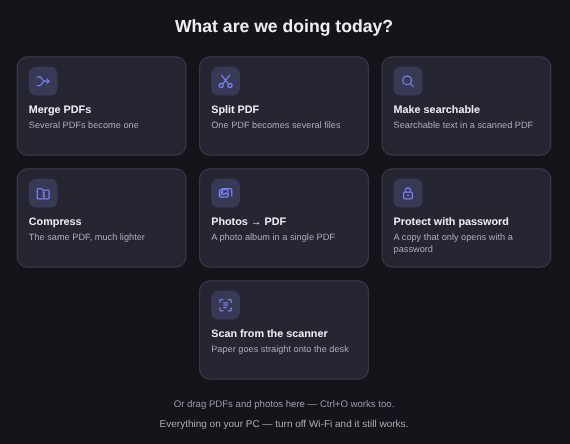
Merging, splitting, compressing, rotating, protecting, making a scan searchable: that is real-life paperwork, and none of it needs a cloud or a renewal date. It is what Elegant Paper does — a Windows app that opens the file already sitting on your disk and writes the result next to it.
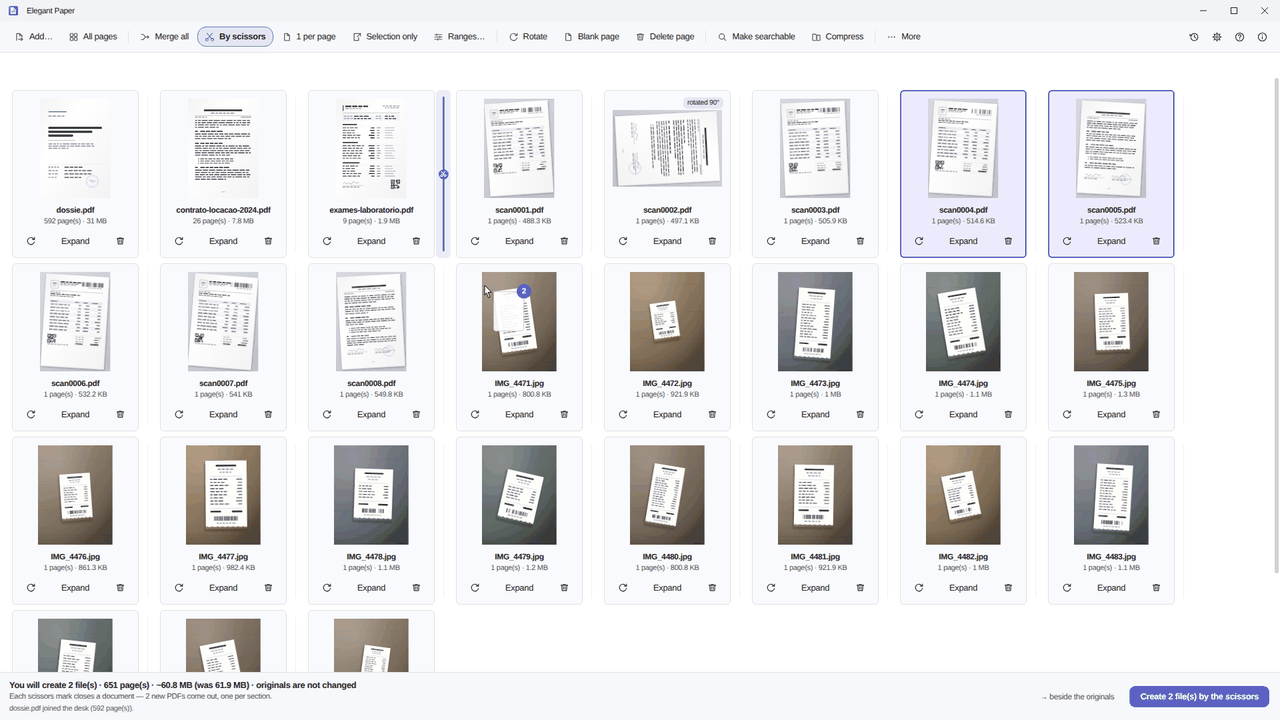
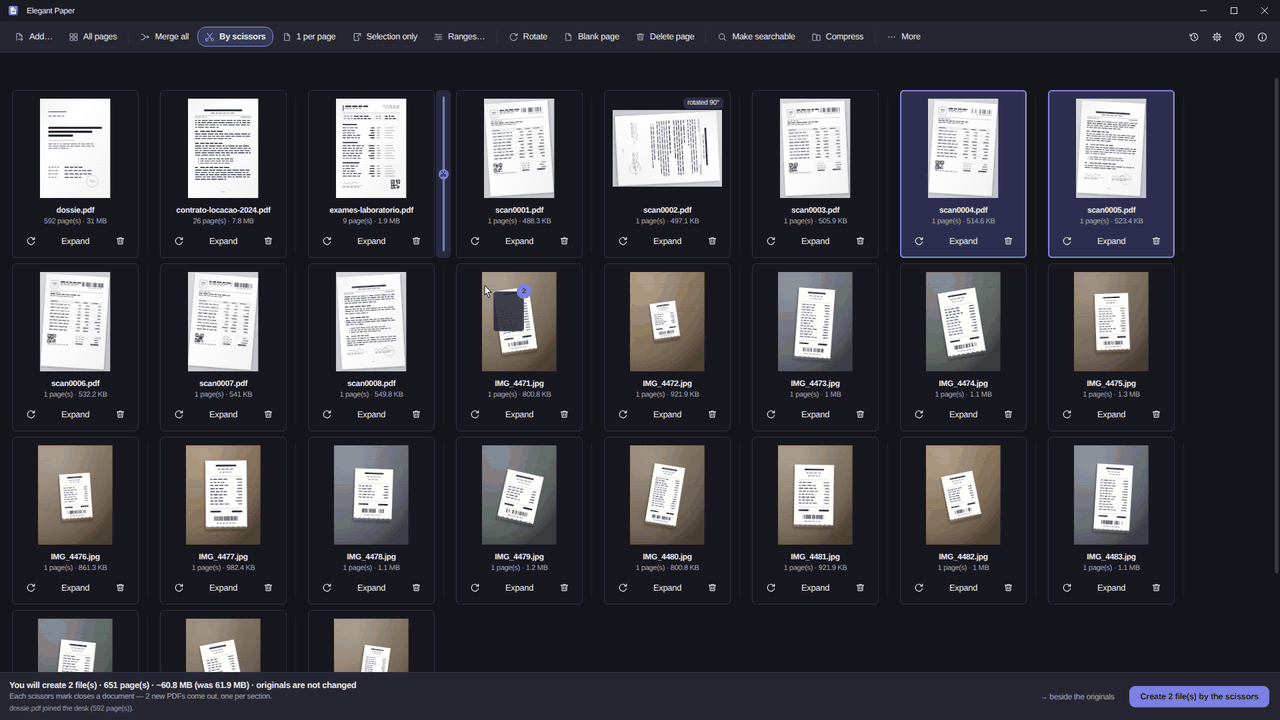
That desk is the difference in method. Instead of hunting for an operation in a menu, you drop the files into the window, arrange the pages by hand and pick how the material comes out: Merge all, One per document (each file keeps its own name, which is what stops five invoices becoming one), By scissors, Ranges…, 1 per page or Selection only.
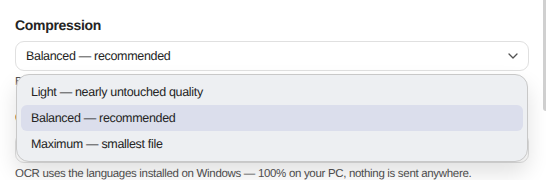
Whatever you tick before saving goes into a list, not into a queue of throwaway intermediate files. Make searchable, stamp, watermark and page numbers sit there as rows you can switch off and back on; password, compression and metadata cleaning are applied at the end, because those are how the file comes out. While you assemble it, the disk is untouched. The button reads Save 1 file, and that is the only moment anything is written.
The output is always a new file beside the old one, a repeated name gets a suffix, and a 12-second toast with Undo sends what was created to the Recycle Bin. Your original never takes part in any of it.
The free routes and what each one charges#
Before spending anything, it is worth knowing the three routes that cost no money. None of them is a scam. All of them charge in a different currency.
The free website charges you in file. For a server to work on your contract, it has to receive your contract. That is structural, not villainy. The service may be run by decent people and delete it within the hour exactly as promised, but the promise is theirs and the paperwork is yours. The same toll shows up when you merge two PDFs and when an attachment is too heavy to send. Then comes the second half of the bill: two free operations a day, and the watermark that was not in the preview.
Word charges you in reach. The trick half the internet teaches does work: if the document started life in Word, you can export it to PDF with a password at save time. It is free, it is local, and it solves a real case. The honest limit is scope — it only helps with documents you hold in Word, one at a time, and only for the password. The scan that arrived from the solicitor stays out of range, and protecting a PDF that already exists is a separate job.
The free reader charges you in ceiling. Edge and the readers on the Store open PDFs, annotate them, fill simple fields and print back to PDF. For reading and commenting they are genuinely enough. The ceiling arrives when you need forty scans merged in the right order, a split by ranges, or OCR run over a batch.
The math, done in the open#
I am not going to quote Adobe’s subscription price here. It moves by country, by plan and by promotion, and any figure I typed would be stale before you read it. Do it yourself, which is more reliable anyway: open their pricing page, take the monthly number, multiply by twelve, then by the number of years you expect to keep needing it.
My side of the arithmetic fits on one line. Elegant Paper is a one-time purchase at US$ 9.99 launch price, against a US$ 19.99 list price, with no renewal, no consumables and no watermark either during the trial or after it. Two caveats so the sum stays straight: the promotional price runs for a limited time, as its own page says, and a one-time purchase means the program stays yours, not that it will grow every feature that exists five years from now.
What Elegant Paper doesn’t do, said upfront#
This section exists on every page in the house because it is cheaper for everyone if you find out now:
- it does not edit the text inside a PDF, and it does not fill in or create forms;
- it does not digitally sign with a certificate (eIDAS, ICP-Brasil). The password it applies is the PDF’s own encryption, not a legally binding signature;
- OCR quality depends on the scan and on the language pack installed in Windows;
- compression only touches the images inside the file, so a PDF that is already pure text will barely shrink — and in that case the app says so instead of producing a worse file;
- it is a Windows 10 and 11 app. There is no Mac, Linux or phone version;
- it never becomes your default
.pdfhandler behind your back; if you want that, it takes you to the Windows screen where you decide.
Fifteen days to check the list#
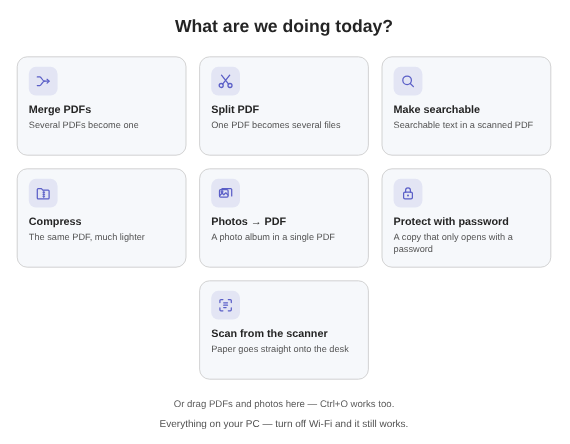
Go back to that list of ten tasks and run the three that repeat most often. The trial is 15 days on your own PC, no card and no account, and it is local in the strict sense: you can pull the machine off the network and run the whole job to check that nothing goes anywhere.
If all three come through, the matter is settled with a single purchase. If one of them does not, you found out in a fortnight without signing up for anything, which is a better outcome than finding out at renewal. The Elegant Paper page shows the desk, the six ways to generate and the same limits in the same words, and the changelog records what changed in each version. If your leftover task was the searchable scan, that one has a post of its own.